


Windows help
User Interface
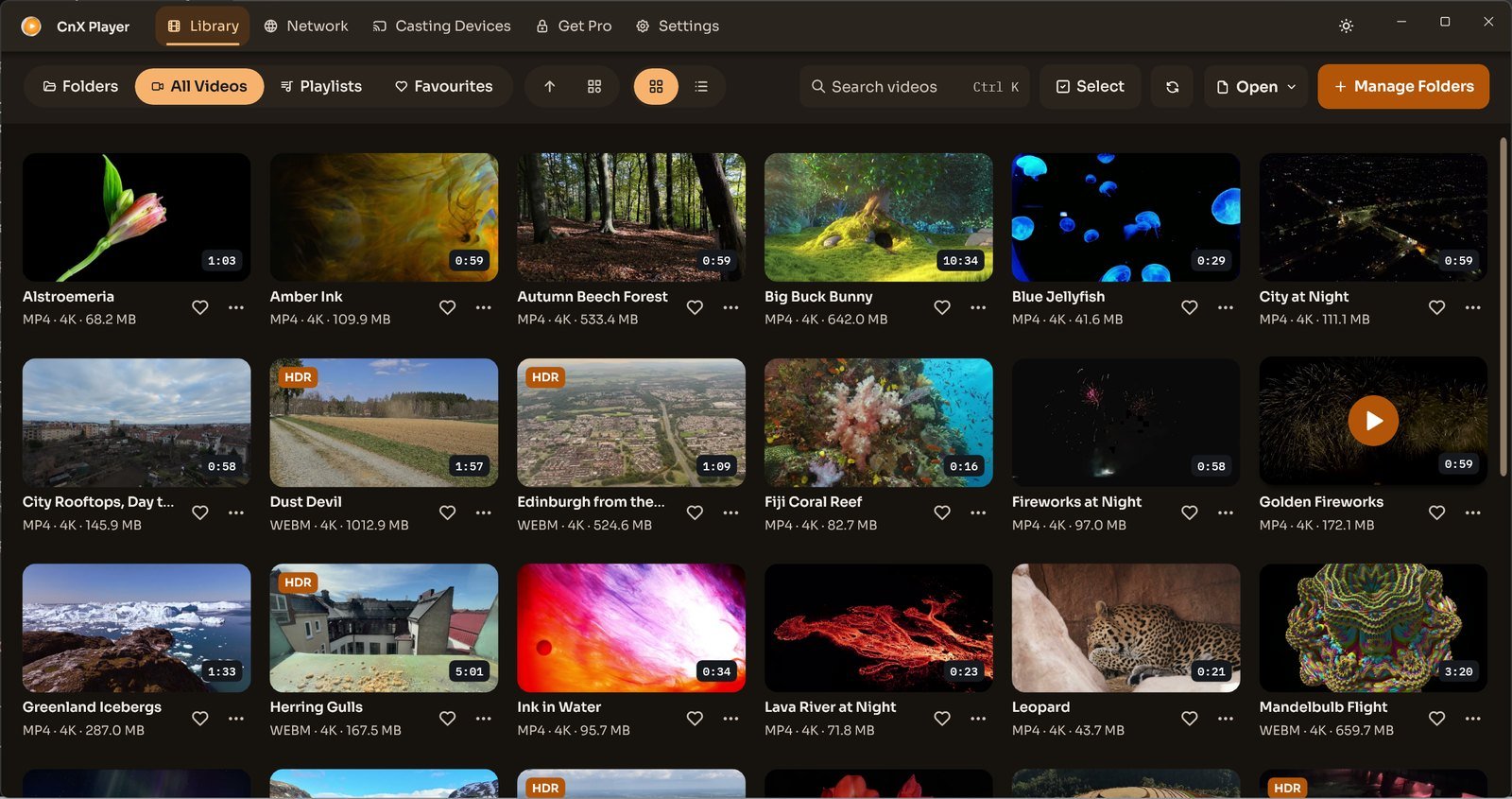
Choose a library view
CnX Player 5.0: browse Folders, All Videos, Playlists and Favourites, switch library views and group videos by HDR, resolution or folder.
Read MoreVideos: PantheraLeo1359531 and Rose Abrams / Wikimedia Commons, CC BY 4.0; “Big Buck Bunny” and “Sintel” © Blender Foundation, CC BY 3.0; “Sol Levante” by Akira Saitoh, Production I.G / Netflix Open Content, CC BY 4.0.
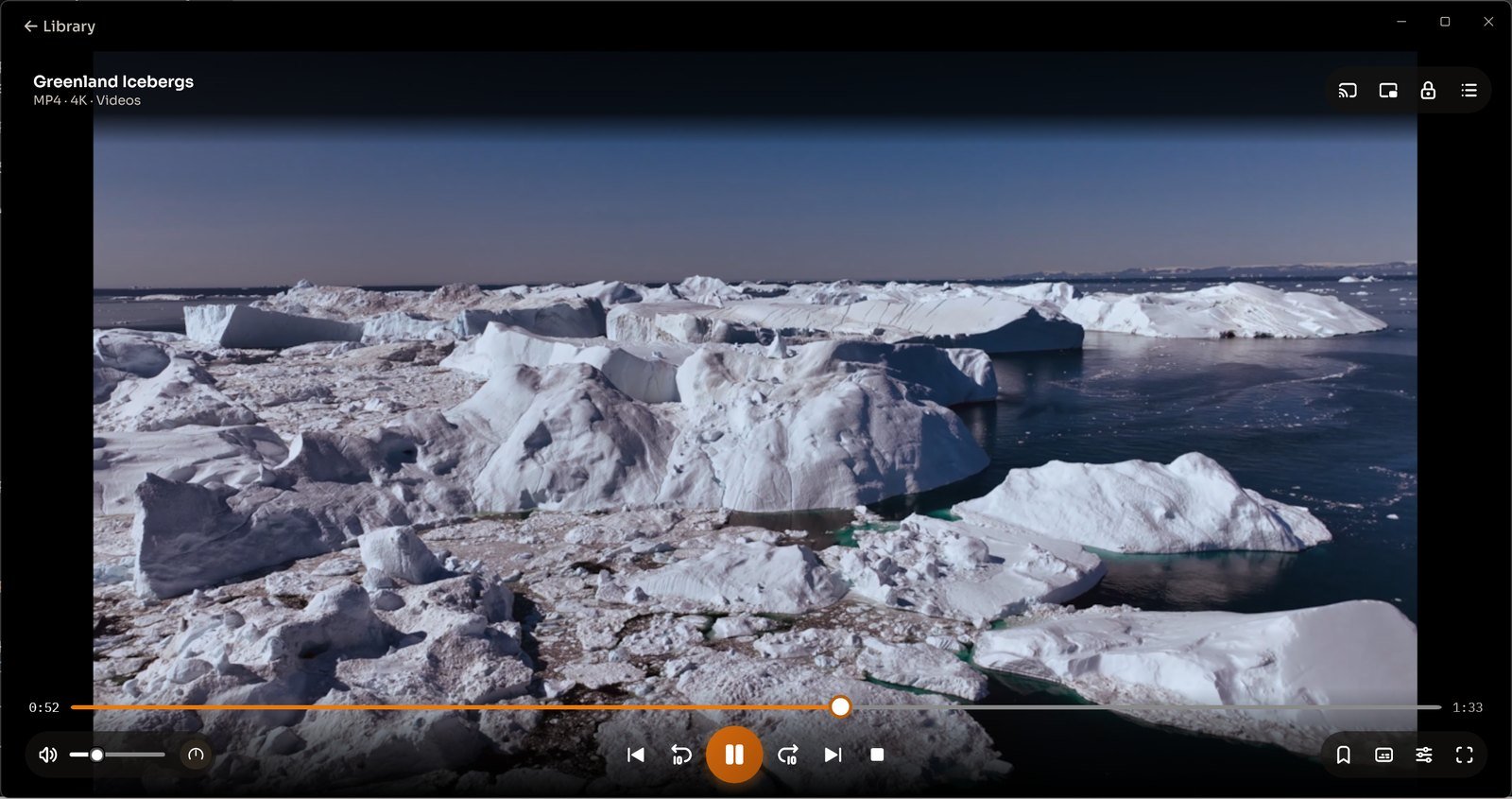
Gesture controls in earlier Windows versions
Earlier Windows tap and swipe instructions for playback, volume and brightness, with a link to the visible CnX Player 5.0 playback controls.
Read More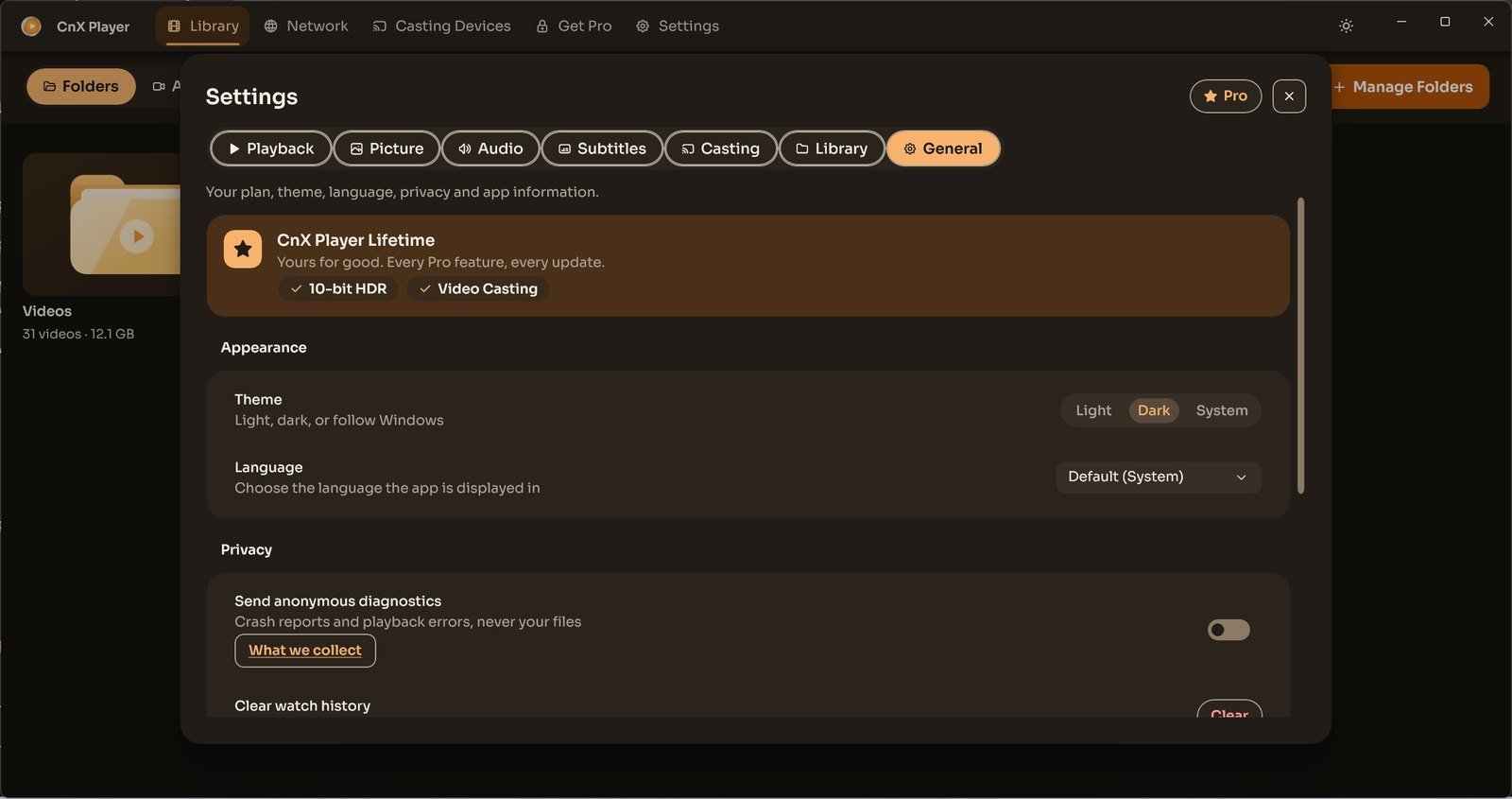
Choose the light, dark or Windows theme
CnX Player 5.0: select Light, Dark or System appearance in Settings, General, and follow your Windows theme when preferred.
Read More