


CnX Player 5.0 offers Light, Dark and System appearance options.
- Open Settings → General.
- Under Appearance → Theme, choose Light, Dark or System to follow Windows.
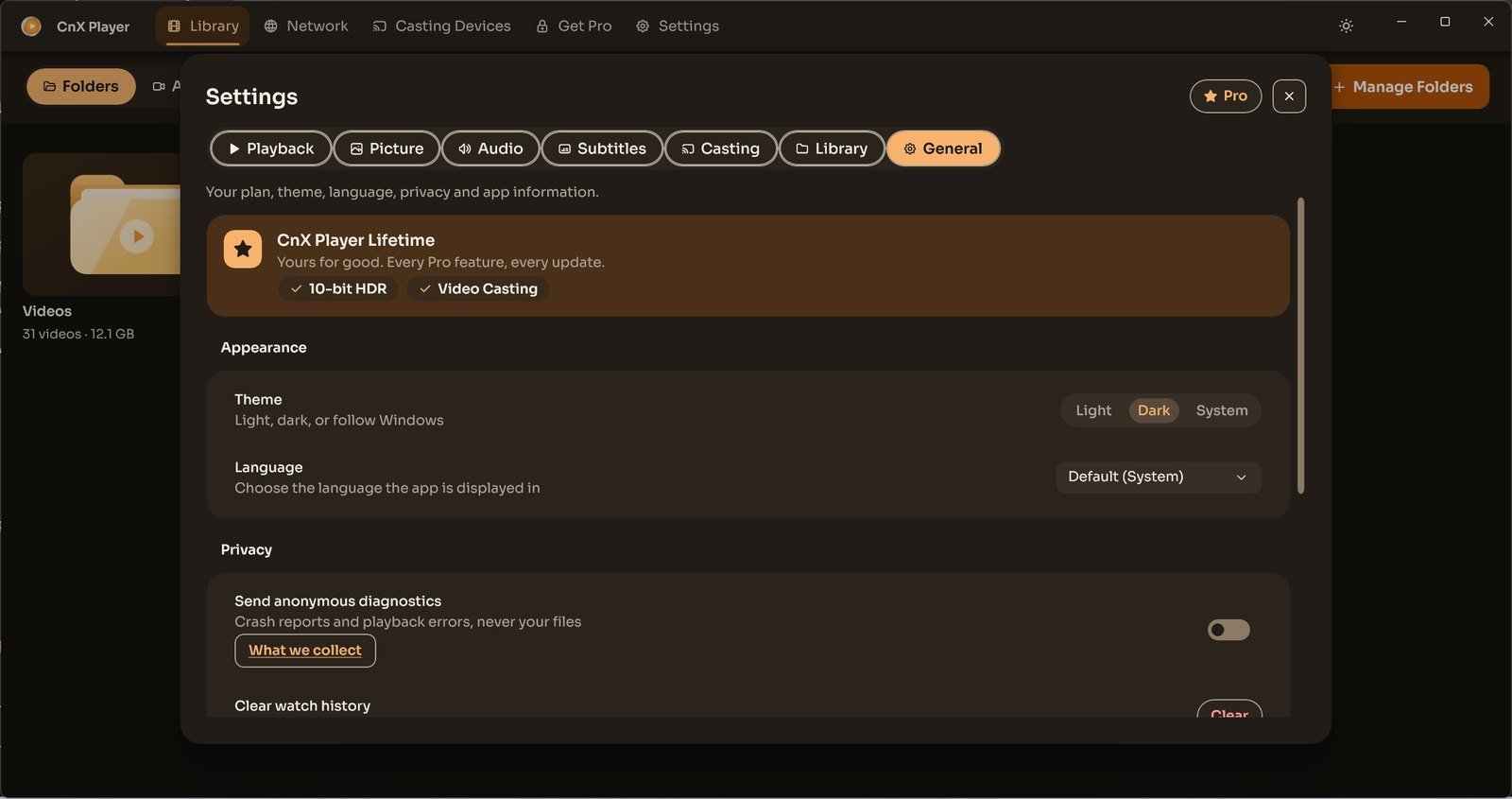
General also contains app language, plan and privacy controls. The displayed Lifetime plan is the demonstration app’s state; check available purchase options in your own app.
