


If a video does not play, or plays without the expected sound, collect these details so support can investigate.
- CnX Player version, Windows version and device model.
- File format, video/audio codec if known, and the error message.
- Whether one file or multiple files are affected.
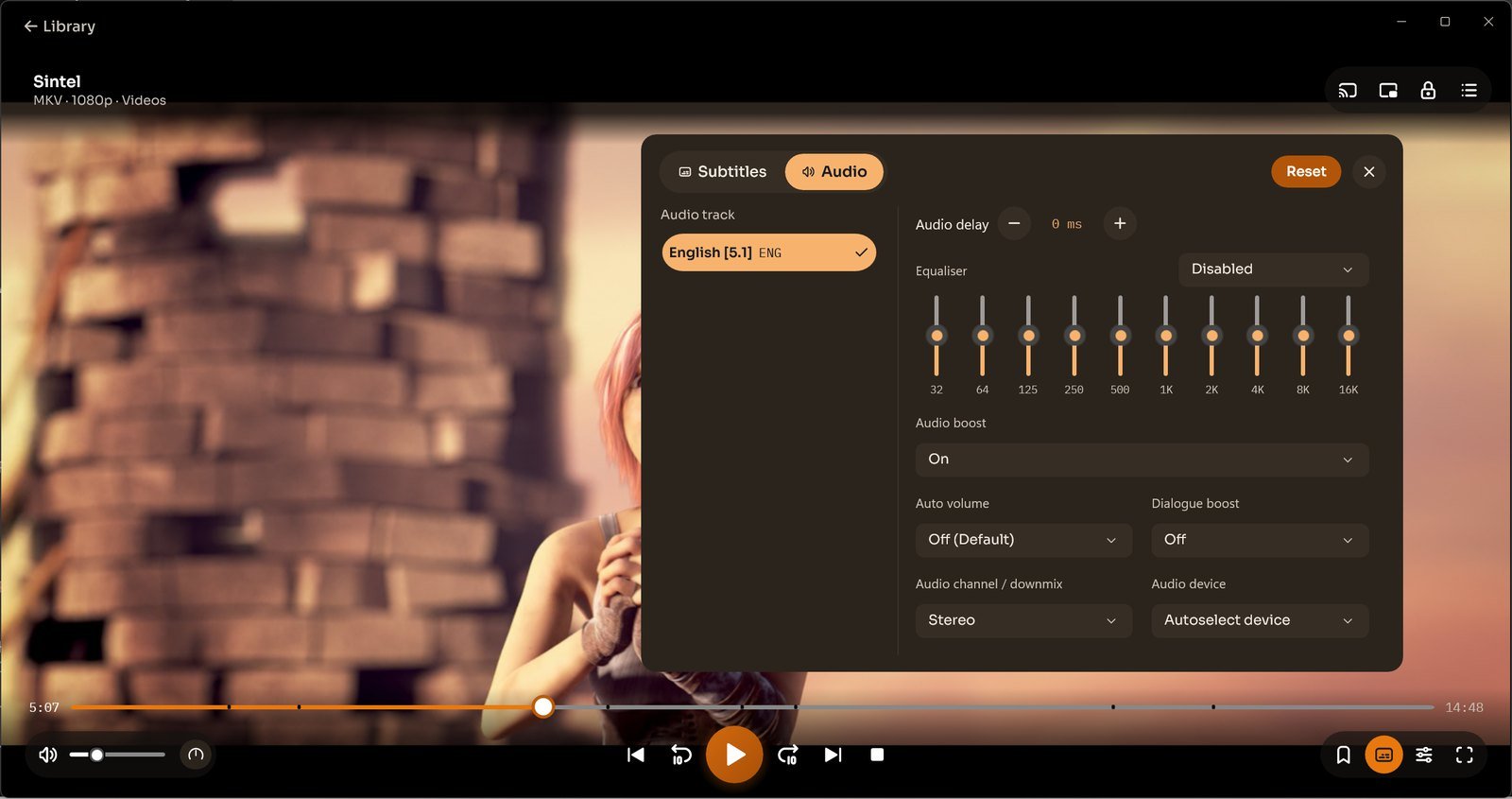
- Selected audio track and output device when picture plays without sound.
In the 5.0, the Audio tab contains tracks and the Audio device setting. Settings → Picture contains hardware/software decoding.
Contact support@cnxplayer.com. If a sample is needed, share a file or link you are comfortable providing and have permission to share.
