


The 5.0 player supports HDR10 and HLG, 10-bit, studio 4:2:2 10-bit and advanced HDR tone mapping.
Casting and 10-bit HDR are CnX Pro features, with a free trial on every video. Check the app for the options available to you.
Check plan and playback settings
- Review your plan in Settings → General. This screenshot shows an example Lifetime plan, not a statement of your account’s entitlement.
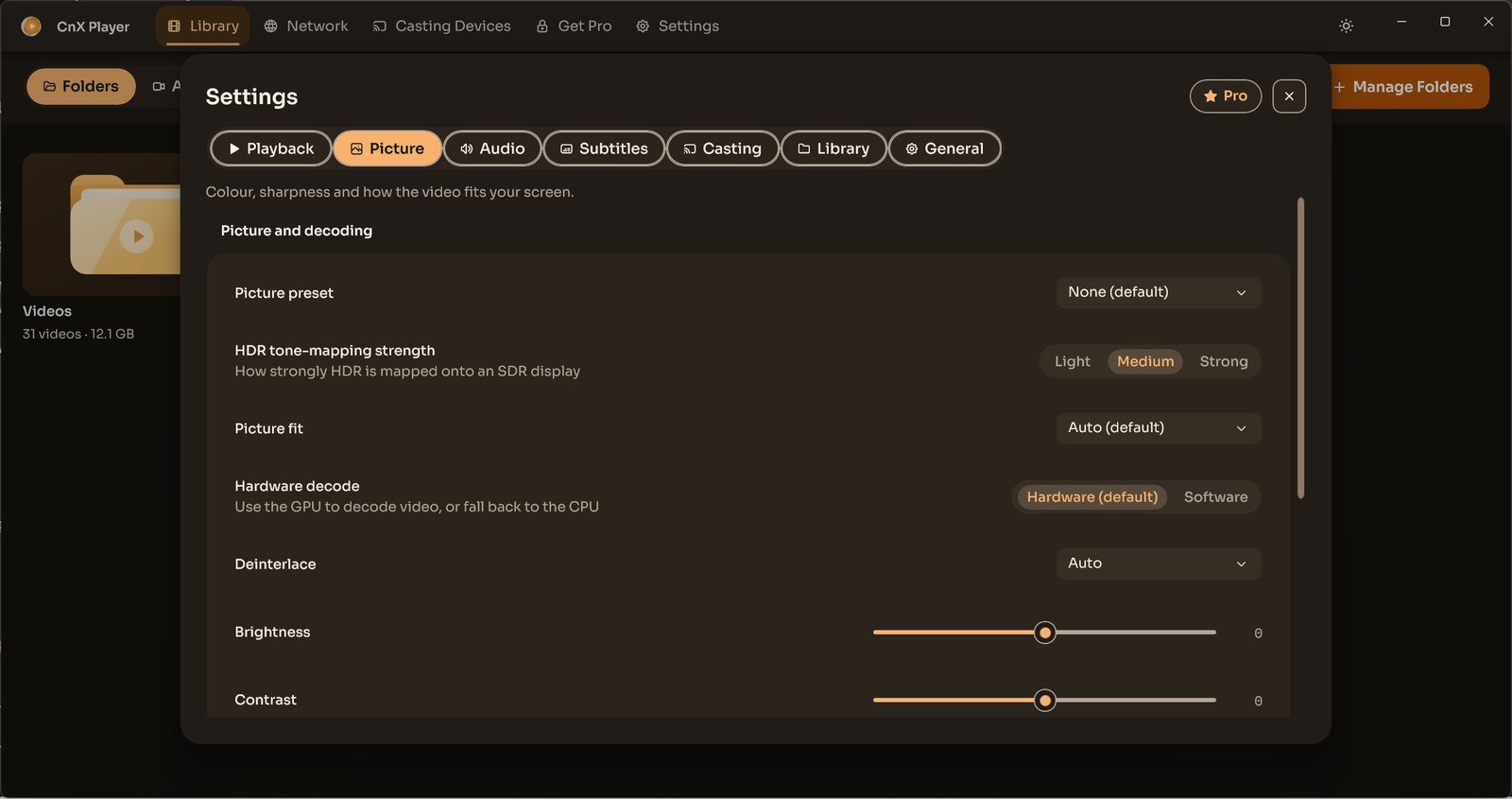
- In Settings → Picture, Hardware decode offers Hardware and Software choices.
- For HDR appearance on an SDR display, review HDR tone-mapping strength.
If playback fails, contact support@cnxplayer.com with app version, Windows device, file details and the error shown. For purchase issues, describe the plan shown in your app before buying again.
