A folder organises videos by location. A playlist is a saved collection for playback. In the 5.0, browse the library by folder and save a queue as a playlist.
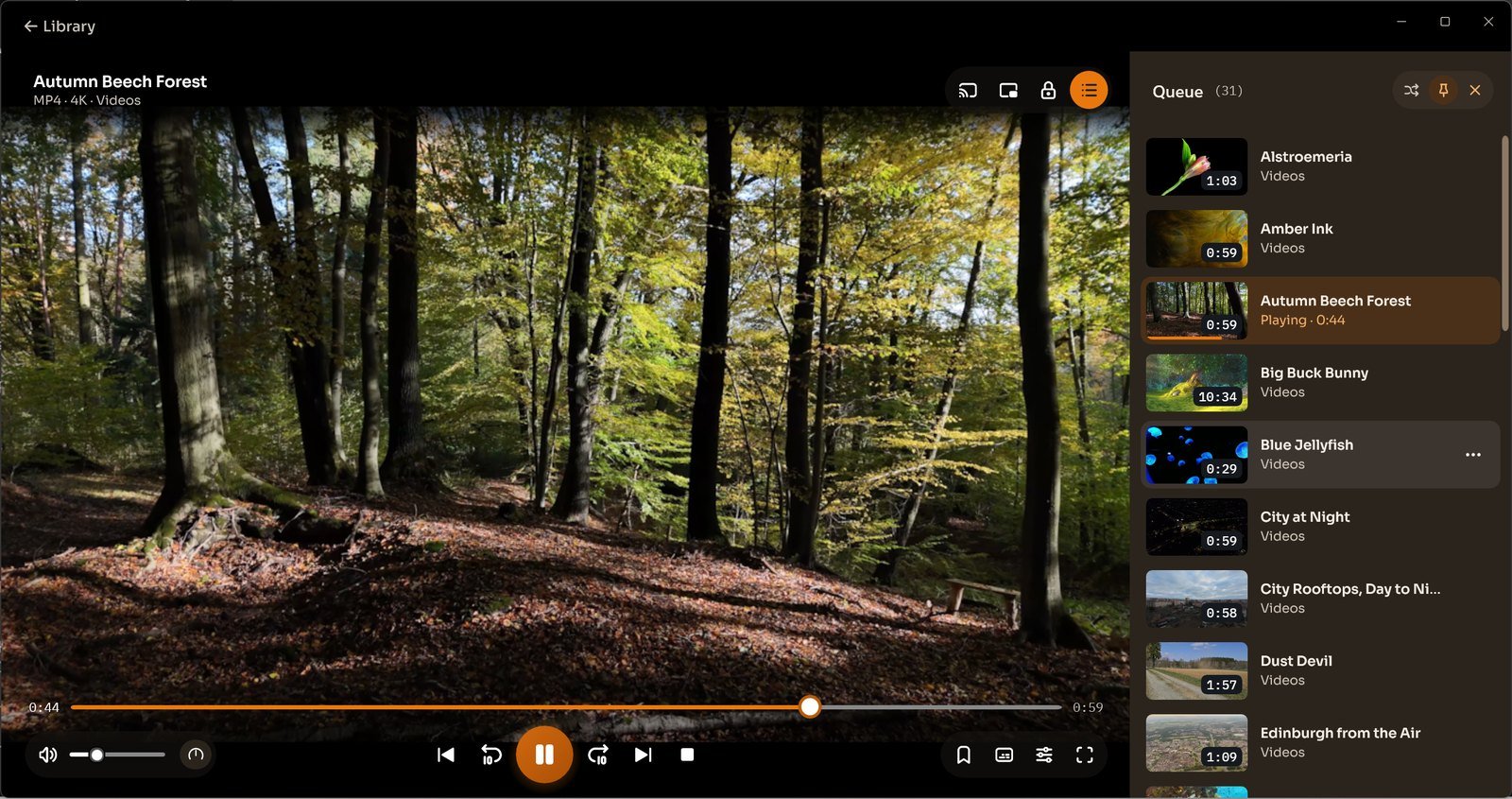
Check what plays next in the queue and save a line-up you want to keep. The folder-to-playlist steps below apply to the earlier interface.
Earlier Windows versions
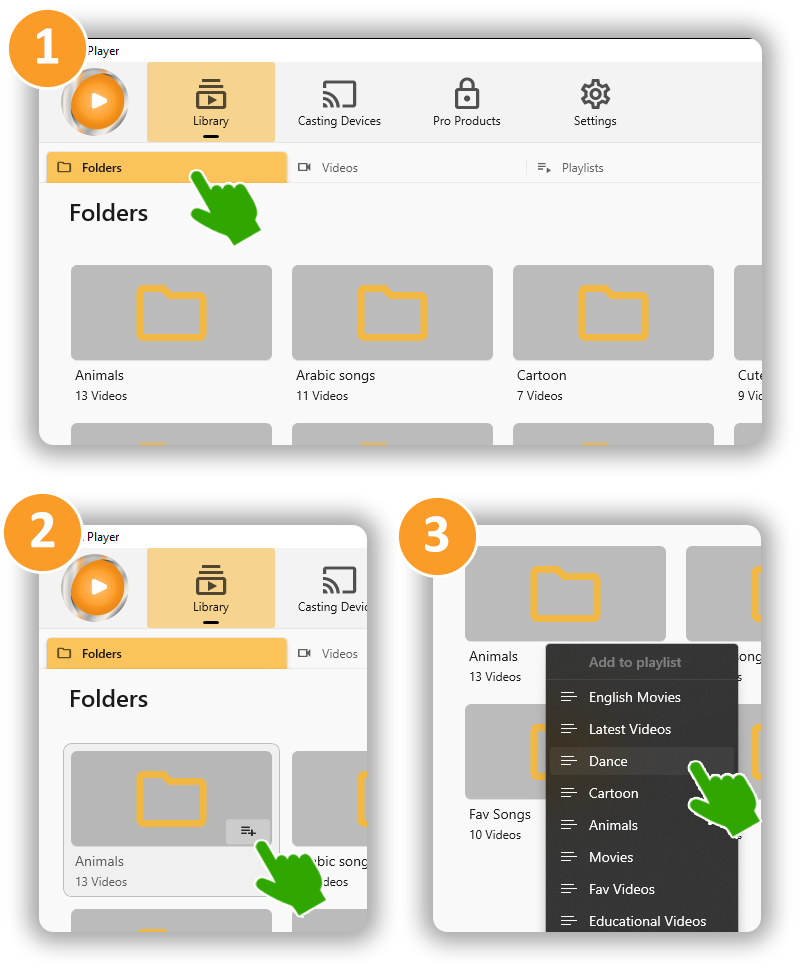
Earlier-version guide. These instructions describe the previous Windows interface; controls in 5.0 may differ. These steps use a playlist icon beside a folder. For the 5.0 queue, see the playlist overview above.
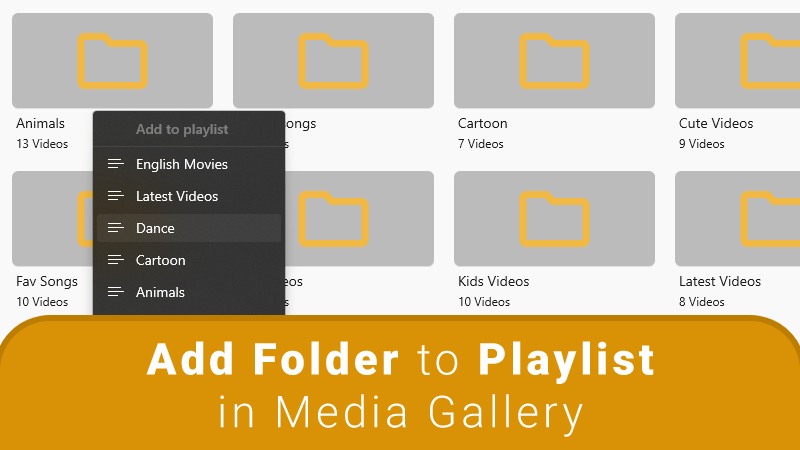
With CnX Player, you can easily add videos to playlists and enjoy continuous playback. Simply select any video from the playlist and set the repeat mode to "all" for nonstop viewing.
How to Add Folders to a Playlist in the CnX 4K Media Player App
Adding videos and folders to a playlist in the CnX Player video gallery is quick and easy. Just follow these steps:
- Open the CnX Player Library.
- Navigate to the Video or Folders tab.
- Tap the playlist icon next to the folder or videos you want to add to your playlist.
- Select the playlist where you want to add the folder or videos.
- Go to the Playlist tab to see the videos or folders in your playlist.