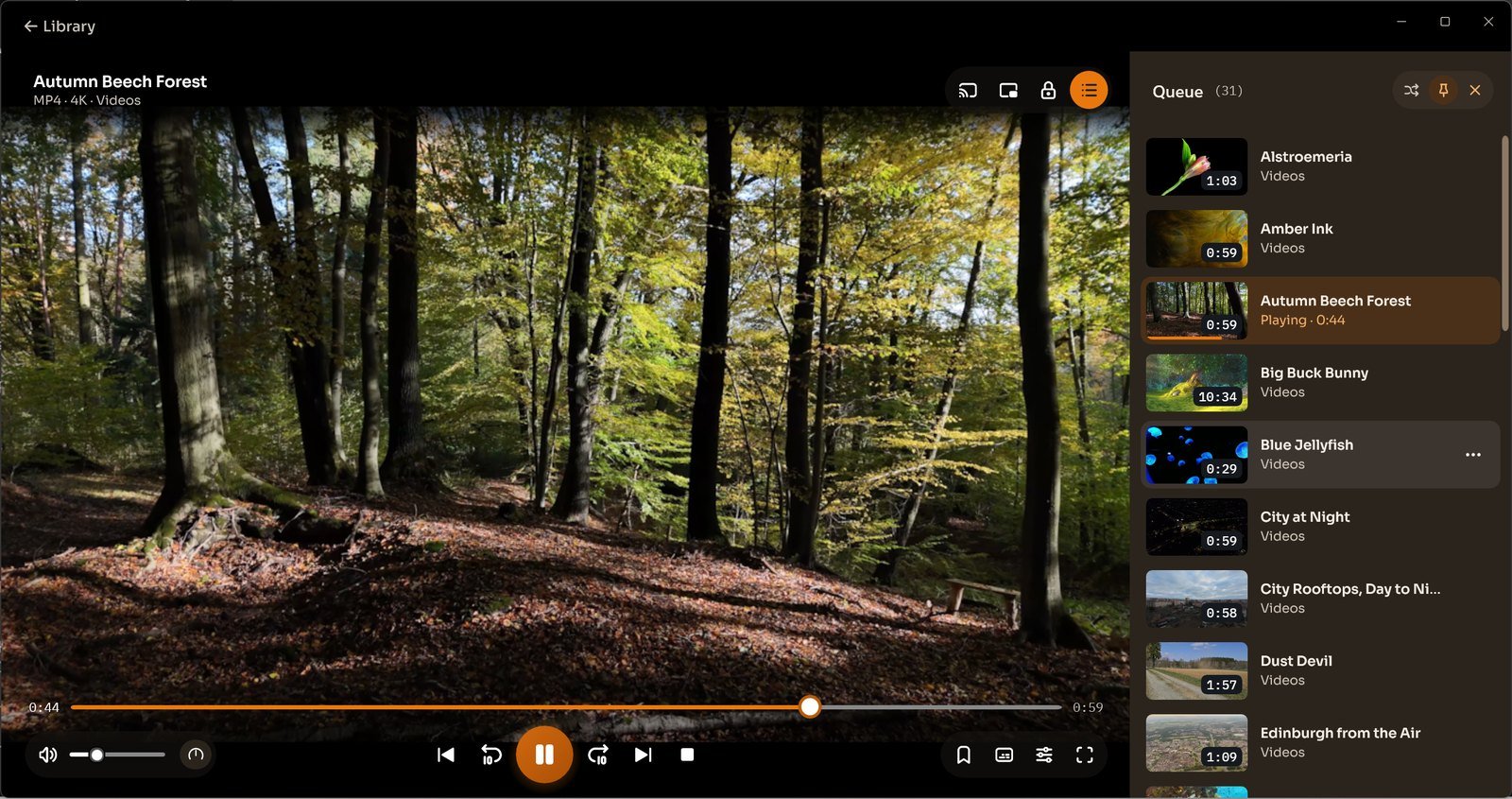
Create Playlist | Manage Videos Windows

How Do I Create a Playlist

With CnX Player, you can easily create new playlists and add your favorite videos to them. Enjoy continuous playback by selecting any video from the playlist and setting the repeat mode to "all."

How to Create a Playlist in CnX 4K Media Player App

Creating a playlist in the CnX Player video gallery is quick and simple! Just follow these steps:

  • Open the CnX Player Library.
  • Go to the Playlist Tab.
  • Tap on the (+ New Playlist) icon at the top right.
  • Enter the name of the playlist you want to create.
  • Click OK. Your new playlist will appear in the Playlist Tab.
Create Playlist
Written by CNX Player

Windows 10 / 11 - Video Player for PC

CNX Video Player represents a state-of-the-art video player with 4K HDR capabilities, specifically crafted for Windows 10 and Windows 11 on PCs, desktops, and laptops. It boasts compatibility with a wide range of video file formats and codecs and offers the functionality to effortlessly cast videos from your PC to your TV.