Use Search videos in Library to find a video by name.
- Open Library.
- Select Search videos above the collection. The preview also shows the Ctrl K shortcut.
- Enter part of the name and choose the matching video.
If the expected item is missing, first check that its folder has been added.
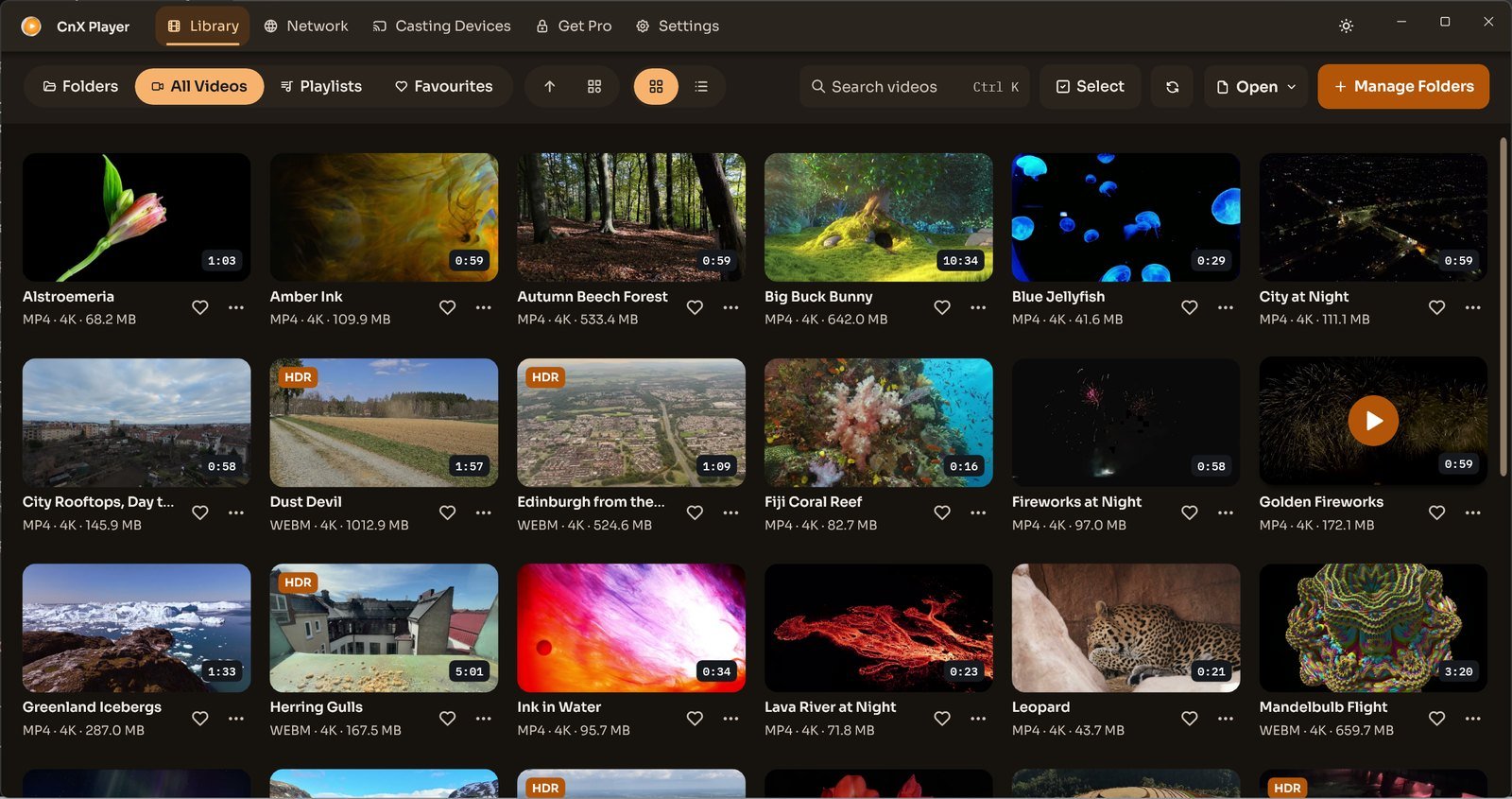 The library, dark theme — CnX Player 5.0. Videos: PantheraLeo1359531 and Rose Abrams / Wikimedia Commons, CC BY 4.0; “Big Buck Bunny” and “Sintel” © Blender Foundation, CC BY 3.0; “Sol Levante” by Akira Saitoh, Production I.G / Netflix Open Content, CC BY 4.0.
 Get it fromMicrosoft Store

