


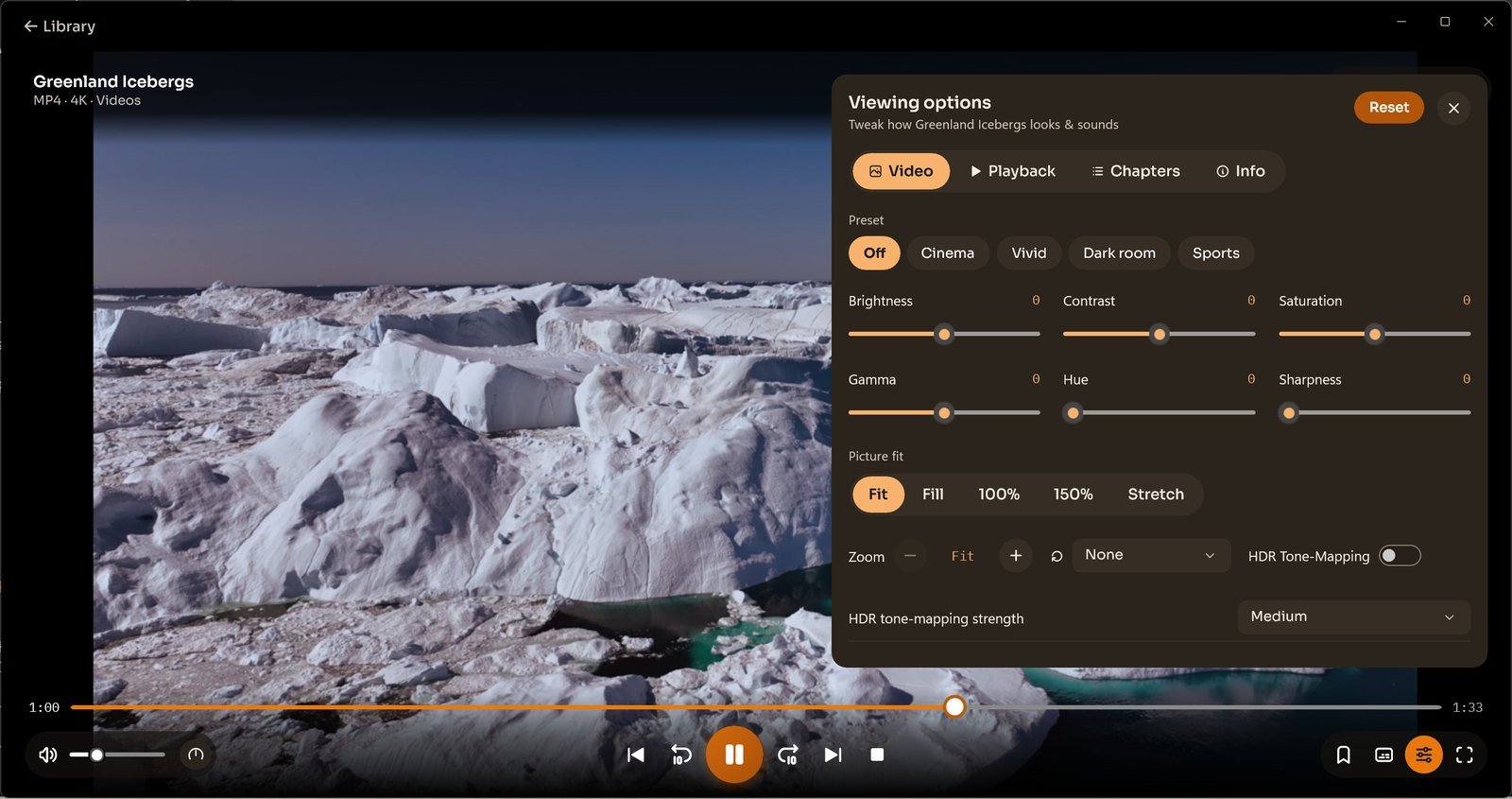
Use Viewing options → Video to change how a video fits in the player.
The preview shows Fit, Fill, 100%, 150% and Stretch, together with Zoom and Rotation. Choose a setting while watching and check that important parts of the picture remain visible.
Settings → Picture also includes a Picture fit preference. For brightness, colour and presets, use the same Video panel.
