


Looking for a Windows media player for MKV, MP4, MOV, AVI, WebM or other files? CnX Player brings playback, library organisation, subtitles and audio controls together, with a 5.0 update built around your collection.

File formats and codecs are different
MP4, MKV, MOV, AVI, TS, FLV and WebM are examples of containers: they hold video, audio and sometimes subtitle tracks. HEVC/H.265, AV1, VP9 and H.264/AVC describe ways the video itself is encoded. Support for a container does not guarantee that every possible track, profile or protected file inside it will play.
CnX Player supports these common formats and a range of codecs. The existing video format guide, video codec guide and audio codec guide provide more detail.
4K, HDR and 10-bit video
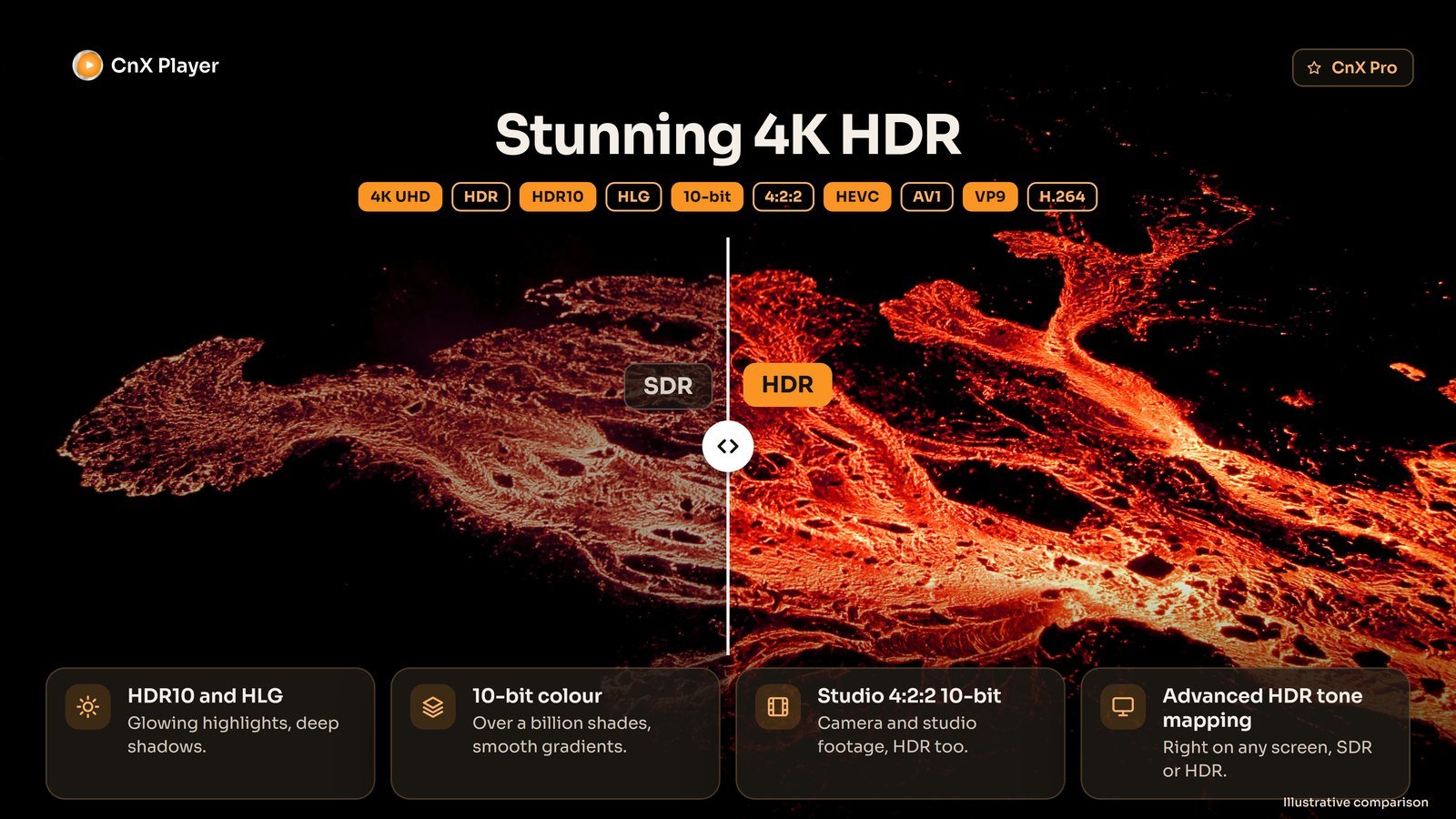
The Windows 5.0 release includes HDR10 and HLG, 10-bit colour, studio 4:2:2 10-bit and advanced HDR tone mapping for SDR or HDR screens. Hardware, display capabilities and the source file affect playback.
Casting and 10-bit HDR are CnX Pro features, with a free trial on every video.
A collection you can find your way around
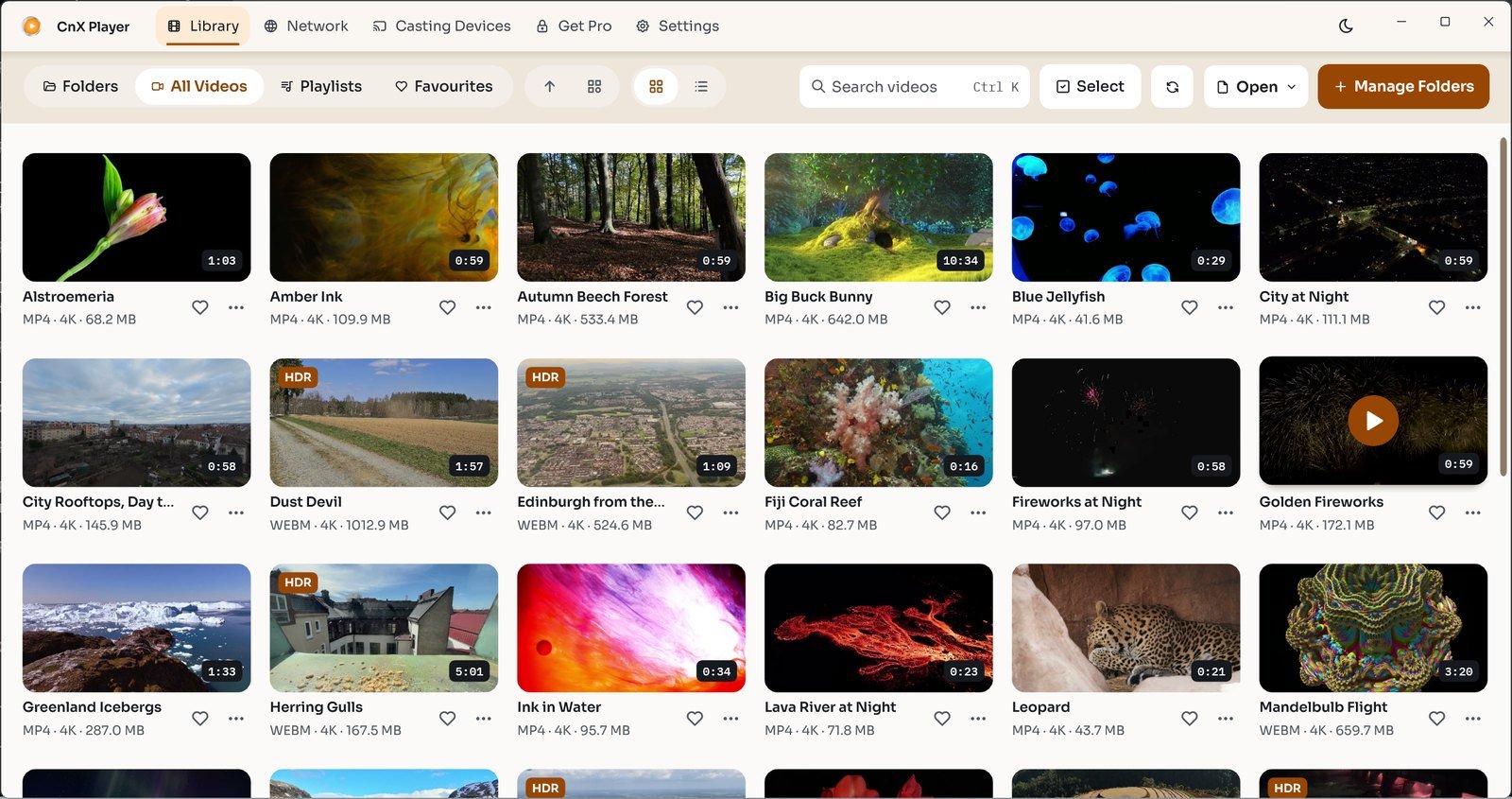
Add folders to build a visual library. Search, sort and group your videos, mark favourites and save playlists. The queue shows what is playing next; the mini player lets you keep watching while browsing the library.
Control the playback experience
Choose an available audio track, add or select subtitles, and adjust subtitle size, colour and position. Picture presets and manual controls let you change the viewing appearance. Light and dark themes adapt the library to your preference.
Casting to a compatible TV is available as a Pro feature, with a free trial on every video. Device, network and file compatibility determine the result.
See the Windows feature overview or browse the existing video tutorials.
Windows and mobile availability
The Android and iOS apps are currently unavailable in their stores. Relaunch dates and future mobile features have not been announced. Existing users can still use the Android information and iPhone and iPad information.
Earlier video demonstrations
These demonstrations show earlier versions of CnX Player.