


CnX Player combines 4K Ultra HD playback with a library for your local video collection. Use this overview to understand the Windows features and find support for earlier mobile versions.

Start with your video and display
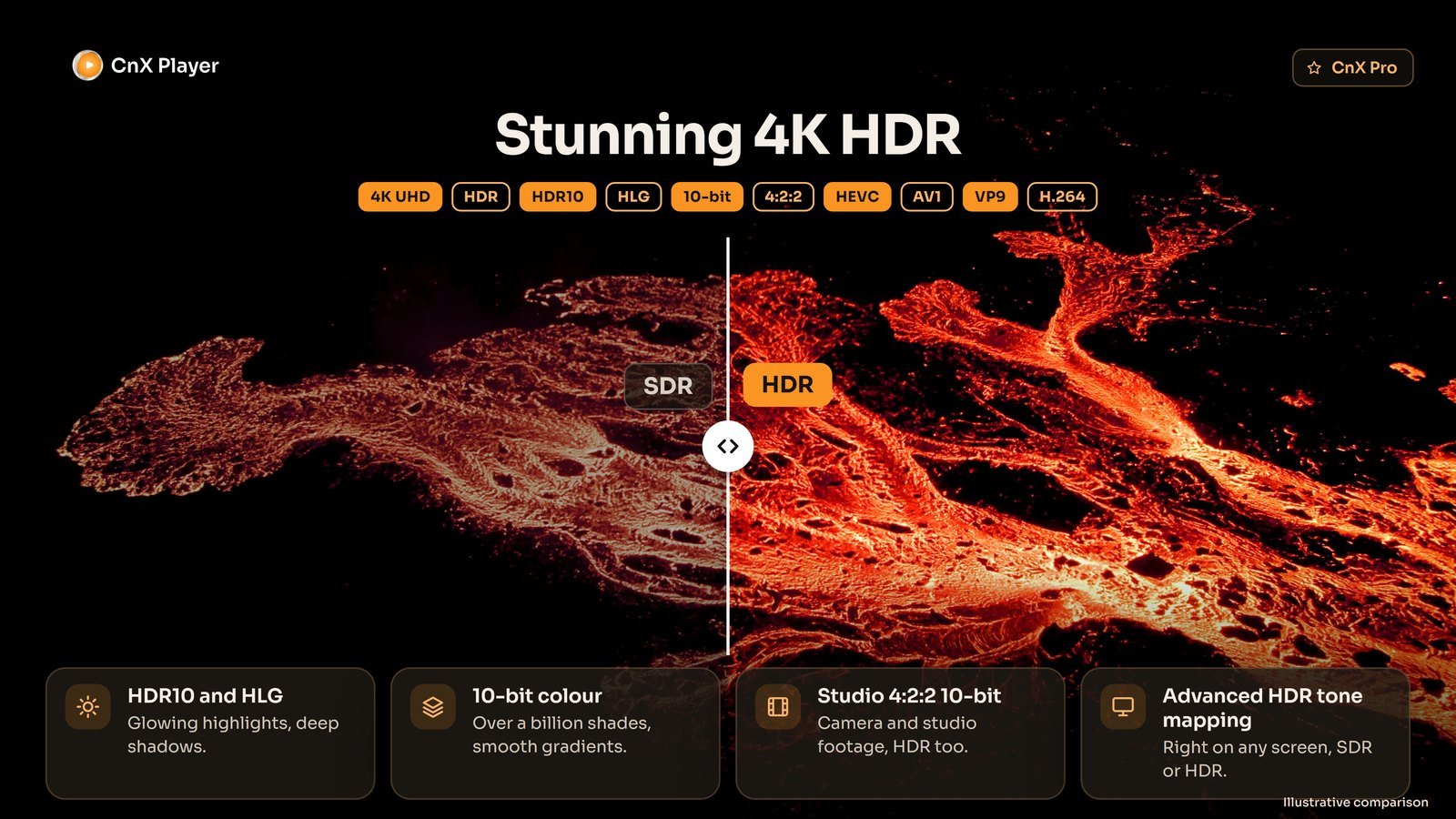
4K UHD video provides more image detail than Full HD, while the quality you see also depends on the source, encoding and display. HDR and 10-bit are separate characteristics from resolution. The 5.0 release supports HDR10 and HLG, studio 4:2:2 10-bit and advanced HDR tone mapping for SDR or HDR screens.
Casting and 10-bit HDR are CnX Pro features, with a free trial on every video.
Watch on your PC or a compatible TV
Organise your Windows video folders in the library and choose a title to play. Casting supports compatible Chromecast, Google TV, Android TV, Fire TV, Roku, Apple TV, Samsung and LG TVs, and DLNA devices on your network. Up to 4K HDR casting depends on the receiving device, network and video.
Casting is a Pro feature, with a free trial on every video. Explore casting from Windows.
Beyond pressing play
Queue several videos, save playlists and mark favourites. Keep watching in the mini player while you browse. Select subtitles or an audio track, adjust subtitle style and timing, and change the picture with presets or individual controls. The library offers light and dark themes, or can follow Windows.
Explore the Windows features and read about formats and codecs.
Earlier Android and iOS versions
The Android and iOS apps are currently unavailable in their stores. Relaunch dates and future mobile features have not been announced. Existing users can still use the Android information and iPhone and iPad information.
Previous mobile guides cover topics such as subtitles, file sharing, video management, casting, gestures, playback history and screen lock. They describe those earlier apps and do not announce future mobile features.